

Skip the prompt: Bulin 47 from one photo
- 1photo needed
- 0prompts to write
- 15 svertical video
Bulin 47 on other AI video tools
Bulin 47 on Dreamina and Higgsfield, Step by Step
Dreamina and Higgsfield can both make a Bulin 47 style freestyle clip, but each needs more than a photo: Dreamina needs a written prompt and Higgsfield needs a motion reference video. Neither adds the original freestyle sound.
The short answer
To make Bulin 47 on Dreamina, open the AI video generator, pick Seedance 2.5 where your account has it, upload your photo and write a prompt that describes the shoulder bounce, the partner holding a speaker and the crowd. To make it on Higgsfield, open Kling Motion Control and give it a character image plus a motion reference video. Dreamina states its Bulin 47 page is not a built-in template and has no licensed original soundtrack, so on both tools you add the sound yourself afterwards.
Dreamina vs Higgsfield vs Bulin 47 Maker
| Dreamina (Seedance 2.5) | Higgsfield (Kling Motion Control) | Bulin 47 Maker | |
|---|---|---|---|
| What you bring | A photo, a written prompt and optionally a reference video | A character image and a motion reference video | One photo |
| How the scene is made | Generated from your prompt as a new, inspired scene | The motion of your reference clip applied to your image | The original freestyle scene, with the person in your photo as the performer |
| Sound | Not included | Not guaranteed to carry over from the reference | Original: silent, add Dame Hombro when you post. Custom: generated beat and rap |
| How you pay | Credits; free trial credits, paid plans remove the watermark | Credits per generation, shown on the Generate button before you confirm | 10 credits per Standard video, $5.99 for the smallest pack |
| Styles | Whatever your prompt describes, different on every try | Whatever your reference clip shows | Original plus four ready scenes: red-lit street, subway platform, rooftop at night and block party |
| Quality check | You review every clip yourself | You review every clip yourself | Every video is checked and generated again at no cost if it does not show the person from your photo |
How Bulin 47 works on Dreamina
Bring a photo, a prompt and an optional reference
Dreamina builds the Bulin 47 clip from three inputs: your own photo, a text prompt and, where your account supports it, a reference video for the movement. Seedance 2.5 is the model Dreamina points to for this trend, and it is not available in every account.
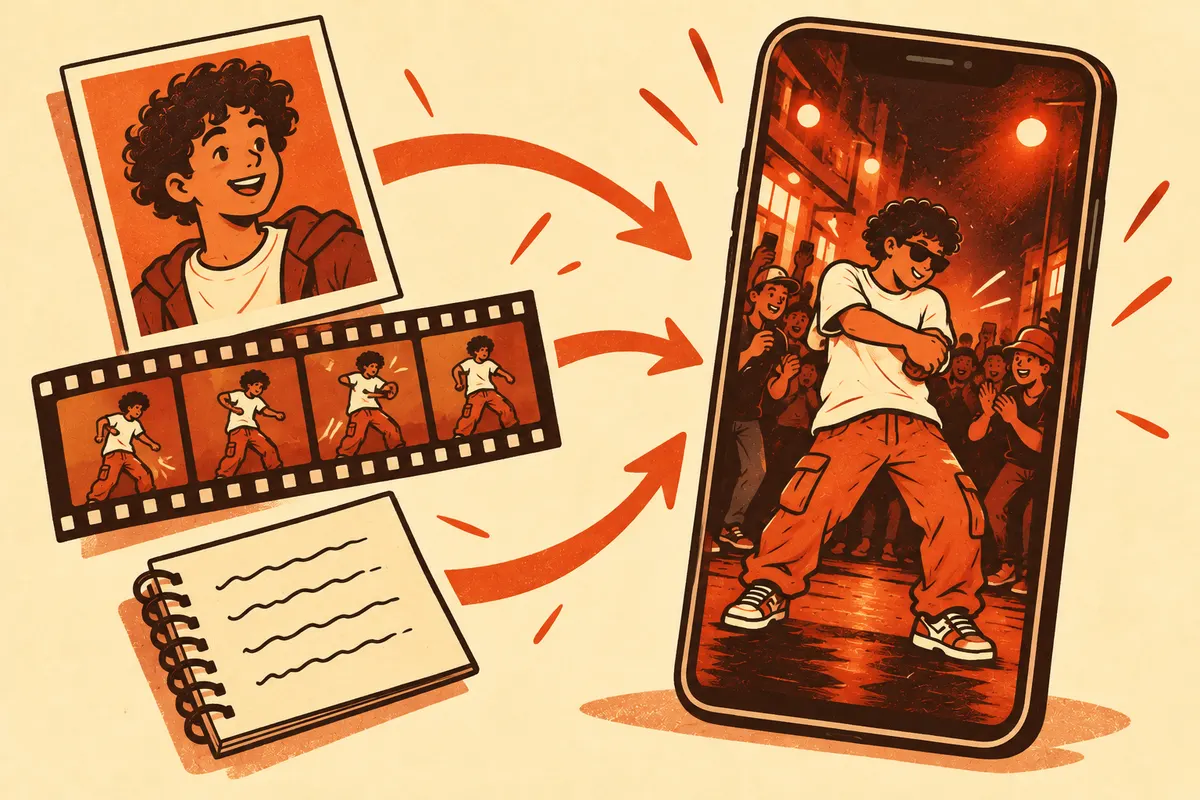
Describe the moves in order
The prompt has to carry what the original clip shows: the performer glancing at the partner with the speaker, two relaxed alternating shoulder bounces, a small gesture to the crowd and a short pause at the end. Moves written in order come out in order more often than a one-line request.
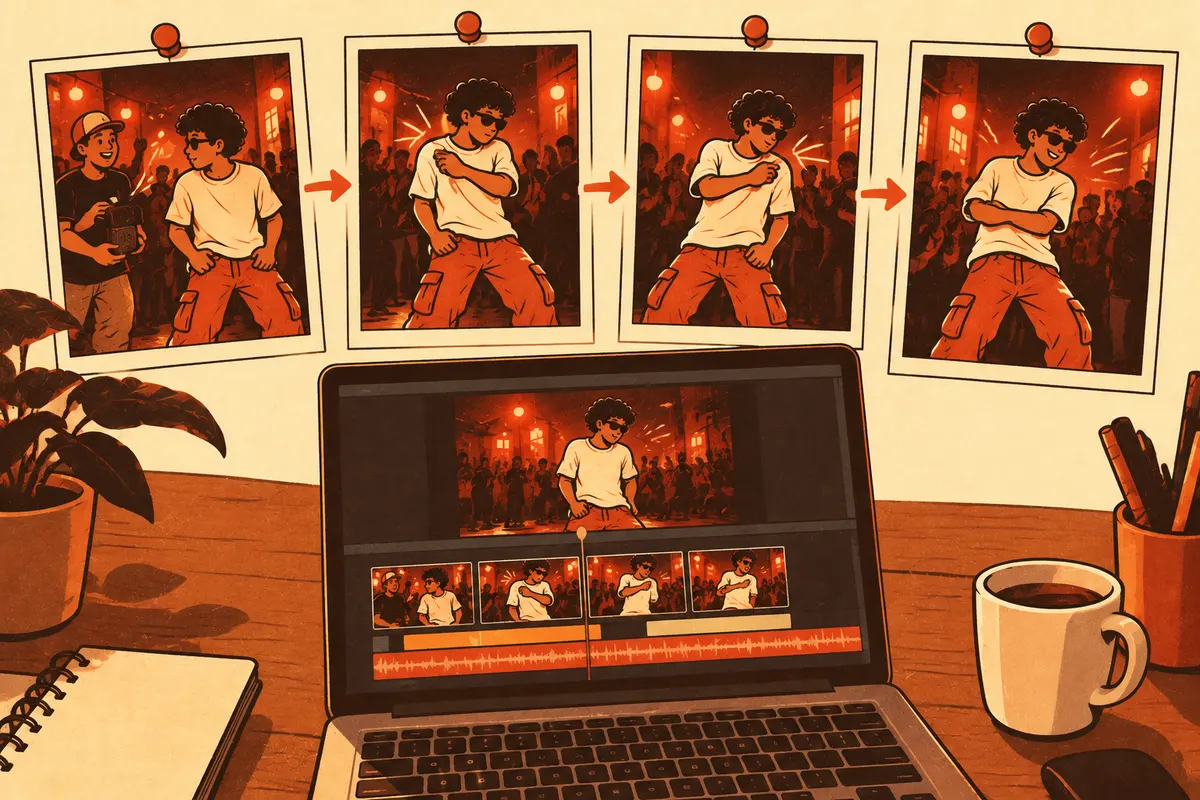
Review the whole clip before you download
Watch every second of the result. Dreamina itself advises checking faces, hands, the shape of the speaker and the connection between performer and partner, because those are the details that break first. Fix one thing per retry so you know what changed.
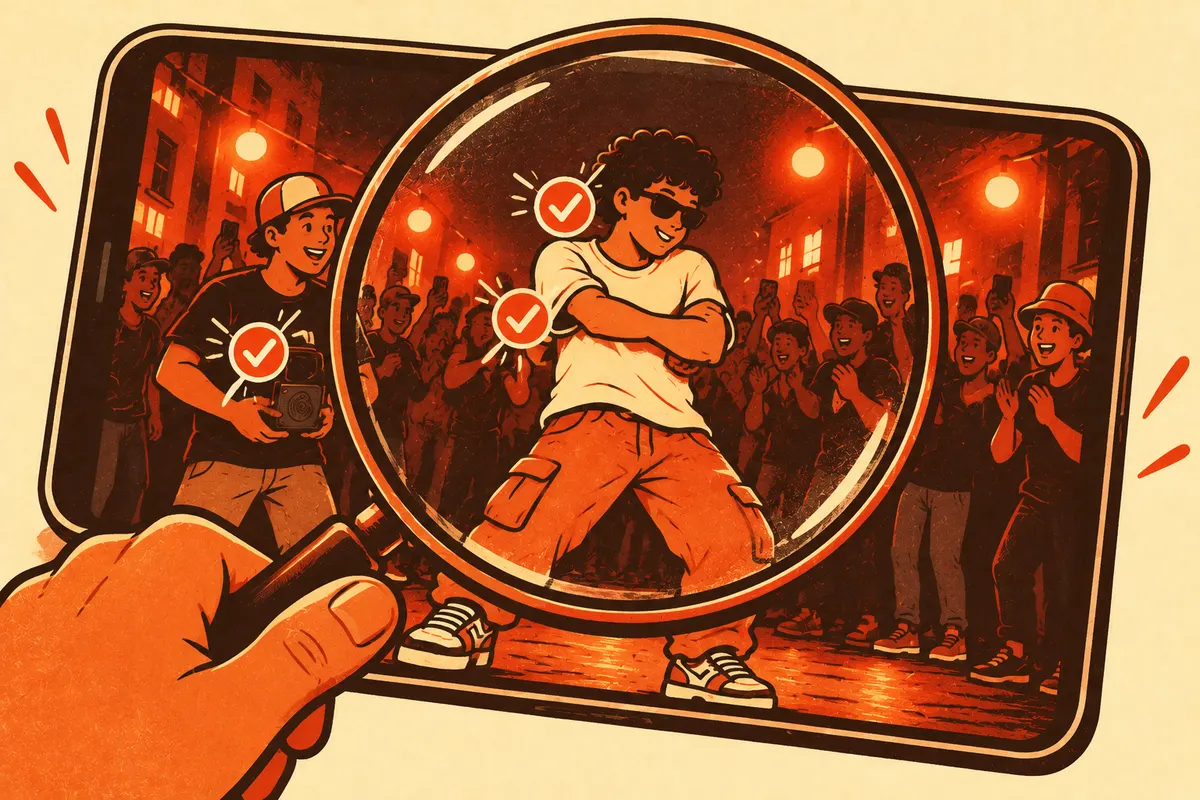
How Bulin 47 works on Higgsfield
Open Kling Motion Control
On Higgsfield, Kling Motion Control animates a still image using the motion from a reference video. It does not write the scene from a prompt; the reference clip sets the moves.
Add a character image and a motion reference
Upload a clear image of the person who should perform and a short reference video with the shoulder bounce. Use your own photo and a clip you are allowed to use.
Check the cost and generate
Higgsfield charges credits per generation depending on the model, resolution and duration, and shows the exact cost on the Generate button before you confirm. Start short and low resolution, then raise it once the moves look right.
Add the sound afterwards
The audio of the reference is not guaranteed to come through. Add the freestyle sound in TikTok or CapCut when you post.
A Bulin 47 prompt you can copy
This prompt follows the order of the original freestyle. Paste it into Dreamina after you upload your photo, and change the clothes or the setting to taste.
Vertical 9:16 street video at night outside a restaurant with warm red light. The person from my photo stands in the center wearing a loose white T-shirt. A second person on the right holds a small black portable speaker. A crowd behind them films with their phones. The performer glances at the speaker, then does two relaxed shoulder bounces, left then right, in time with a dembow beat, opens one hand toward the crowd and ends with a short still pause and a smile. Handheld phone camera, medium-wide shot, natural hands, no captions, no logos.
Keep the speaker and the partner in the prompt. Without them the clip turns into a generic dance video, and viewers stop reading it as the Bulin 47 freestyle. For a CapCut template instead of a generated video, see the Bulin 47 AI template guide. To skip the prompt altogether, the Bulin 47 video generator makes the clip from one photo, in five styles and with the original sound.
Bulin 47 on Dreamina and Higgsfield: FAQ
Get Bulin 47 without writing a prompt
Upload one photo and get the original freestyle scene in about 2 minutes.
Related pages
Bulin 47 AI Free: What Works Without Paying
Is Bulin 47 AI free? What free routes like Dreamina credits and CapCut templates give you, what they leave out and the cheapest way to get the real freestyle.
How to Make the Bulin 47 AI Video
How to make the Bulin 47 AI video: upload one clear photo, pick a style and quality and get a 15 second clip in about 2 minutes. Photo checklist and fixes.
Bulin 47 AI Template: One Photo, No CapCut
Bulin 47 AI template, ready to use in your browser. Add one photo, pick a style and a quality and download a 15 second video. No CapCut and no prompt.
Bulin 47 Dance Tutorial: How to Do the Shoulder Move
Learn the Bulin 47 dance: the Dame Hombro shoulder bounce in 5 steps, an 8-count practice drill, common mistakes and how to film the Bulin 47 challenge.